Spending
Top meta picks
- 1SRedeem active codesCodes
- 2SFirst affordable eggsEarly
- 3AHatch & place dinosaursCore loop
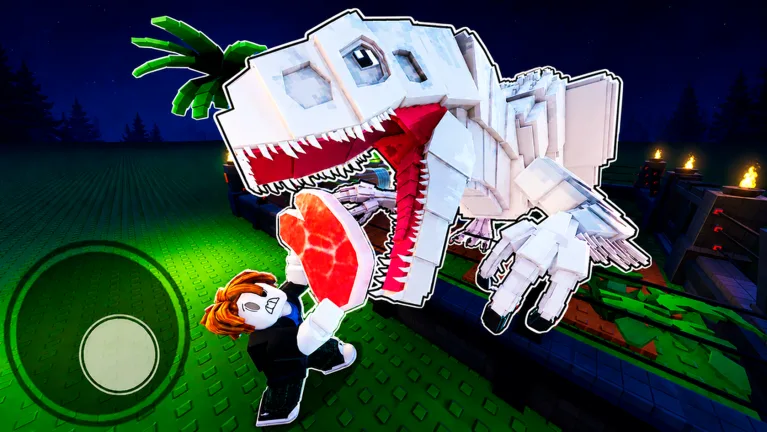
My Dino Park Roblox on Roblox — hatch dinosaurs, grow visitor income, and upgrade your park. Guides, wiki systems, and tier lists for Dino Community players.
Updated: July 2026
Free on Roblox — PC, mobile, and console
Roblox walkthrough covering starter eggs, Store purchases, and early park growth.
My Dino Park! Wiki covers My Dino Park! on Roblox (Dino Community). It is not the iOS/Android Crazy Dino Park mobile game.
Search My Dino Park! eggs, visitors, and park systems on Roblox.
New Roblox saves can claim free Cash before the first egg purchase — full redeem list on the codes page.
| Code | Reward | Status |
|---|---|---|
WELCOME | $1,000 Cash | |
THX4PLAYING | $650 Cash |
Last checked: July 4, 2026
Early spending rankings for My Dino Park on Roblox.
Top meta picks
Top meta picks
Top meta picks
Core My Dino Park! walkthroughs for Roblox — starter route and Cash priorities.
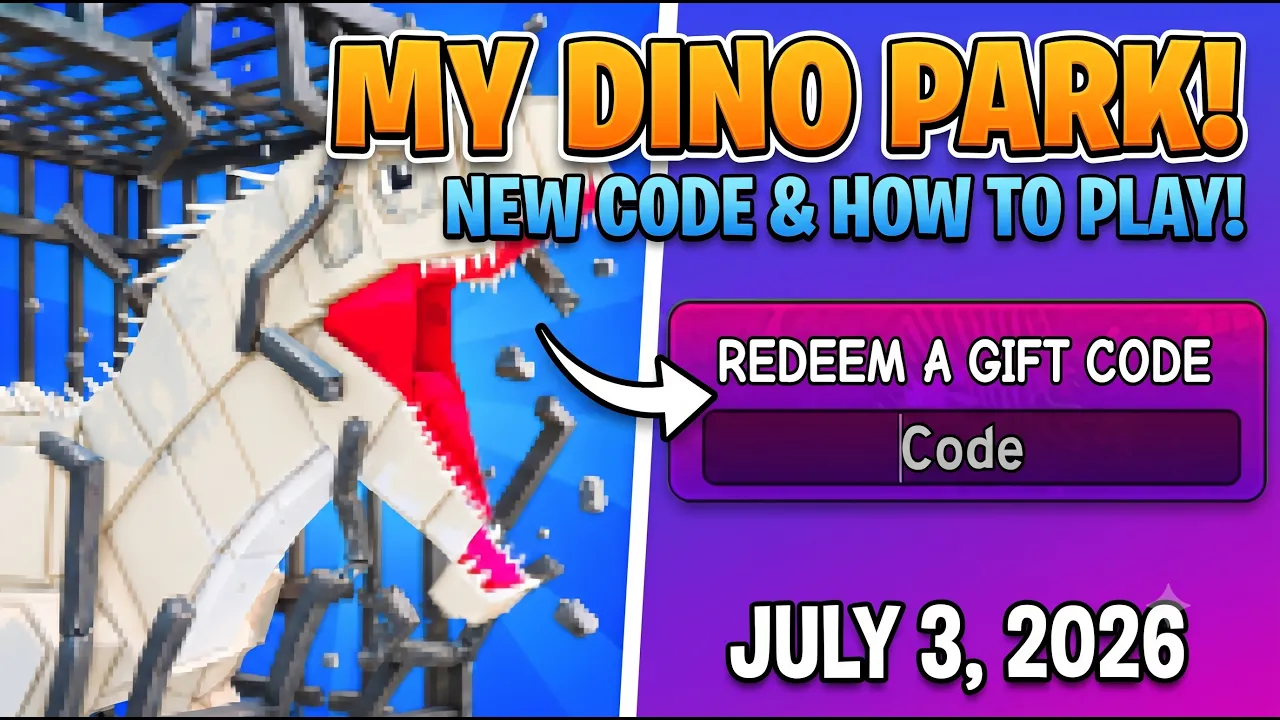 Start
StartHow to play My Dino Park on Roblox — codes, first egg, and hatching.
Read guide →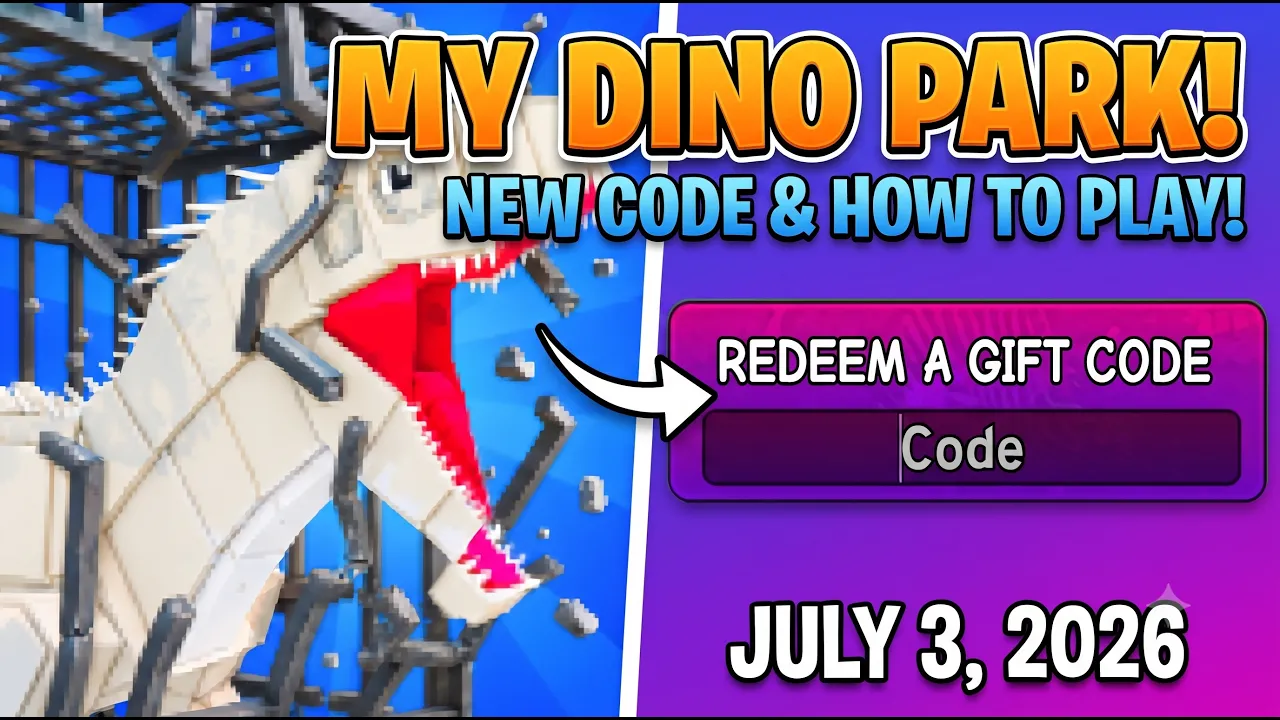 Cash
CashEarn Cash faster — codes, visitors, and smart reinvest order.
Read guide →Starter guide · Money · Redeem · All Guides
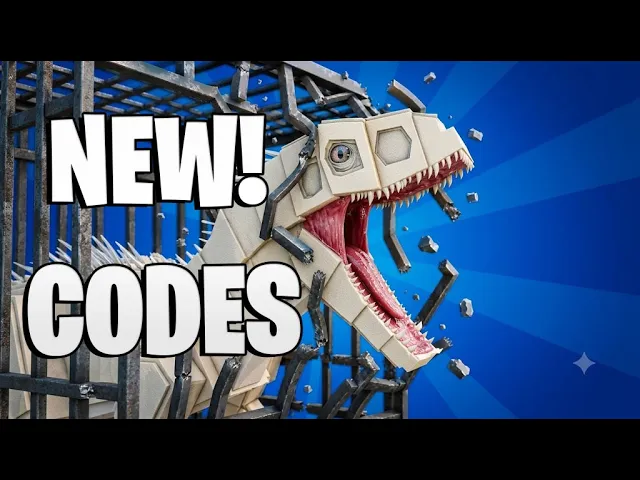
Free starter Cash on Roblox — WELCOME and THX4PLAYING redeem steps.
How to play My Dino Park on Roblox — eggs, hatching, and first Cash.
Fast Cash tips for My Dino Park — codes, visitors, and reinvest order.
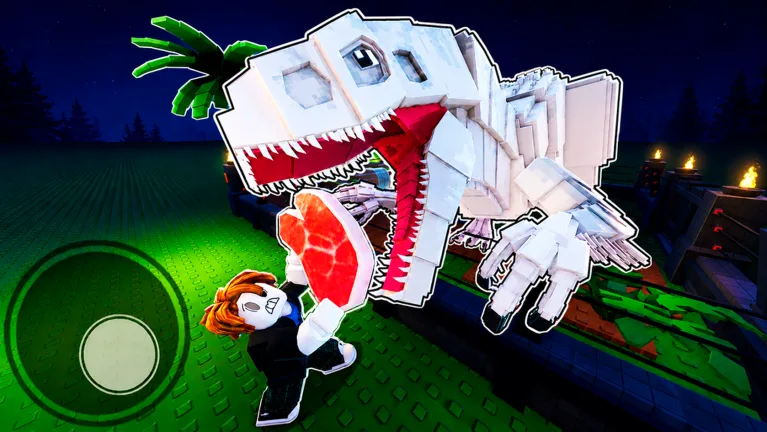
My Dino Park systems index — eggs, hatching, visitors, and park upgrades.
My Dino Park! on Roblox — eggs, hatching, visitors, and park upgrades.
Buy eggs from the Store and hatch them into dinosaurs for your Roblox park.
Place eggs in your park and hatch dinosaurs that help attract paying visitors.
Attract visitors to earn Cash — one of the official My Dino Park goals.
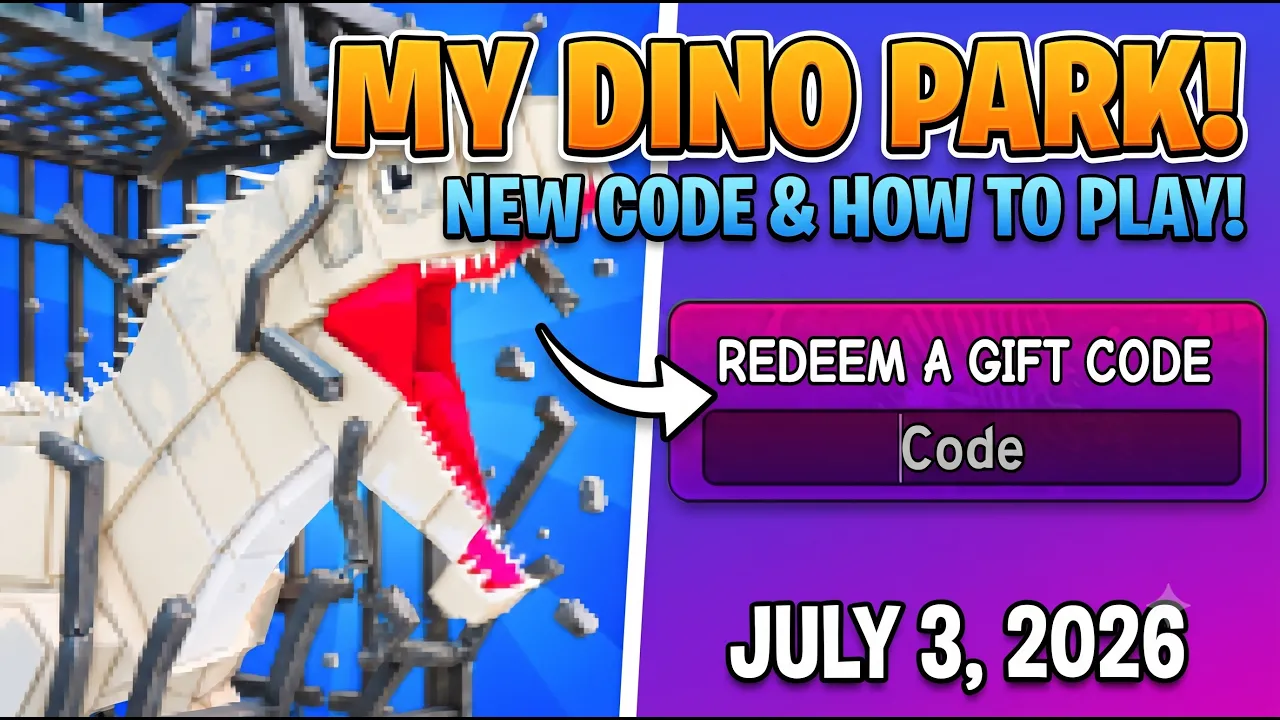
Expand pens and upgrade your layout to become the #1 dino park on Roblox.
Browse core systems — detailed dinosaur stats arrive after in-game verification.
My Dino Park! is a Roblox simulation tycoon by **Dino Community**. The official game page says: **Build Your Dino Park · Buy Dino Eggs · Hatch Dinosaurs · Attract Visitors · Upgrade Your Park · Be the #1 Dino Park!**
My Dino Park Roblox players spend Cash on eggs and park upgrades, hatch dinosaurs into display pens, and grow visitor income over time. **Update 1** added new dinosaurs and park features; the page currently teases **Update 2** soon.
This My Dino Park! Wiki is an unofficial reference for Roblox players. We track verified **codes**, **beginner steps**, and a **systems wiki** while detailed dinosaur stats are confirmed in-game. This site does **not** cover the separate Crazy Dino Park mobile app.
New My Dino Park! saves should start on the [Roblox experience page|https://www.roblox.com/games/80701570784699/My-Dino-Park], redeem [active codes|/codes], then follow the [beginner guide|/guide/beginner] before spending Cash on decorations.
First-session checklist for new My Dino Park! players on Roblox.
Launch My Dino Park! on Roblox. Favorite the experience so you can rejoin your park quickly.
Tap Store on the left → scroll to Redeem a gift code → enter WELCOME and THX4PLAYING. Full steps on the codes page.
Spend starter Cash on an affordable dino egg from the Store, then place it in your park to begin hatching.
Wait for the egg to hatch, keep pens filled, and reinvest visitor Cash into better eggs and park upgrades.
Check the money guide for spending order and the tier list before buying decor.
Official My Dino Park! mechanics from the Roblox description and verified guides.
| System | Role | Tier | Notes |
|---|---|---|---|
| Dino Eggs | Shop | S | Buy eggs from the Store, then hatch them into dinosaurs for your park. |
| Hatching | Core | S | Place purchased eggs and wait for them to hatch into display dinosaurs. |
| Visitors | Income | A | Attract visitors to earn Cash — a core goal on the official game page. |
| Park Upgrades | Expand | A | Spend Cash to upgrade pens, paths, and park size as you progress. |
| Cash | Currency | A | Primary currency for eggs, upgrades, and expanding your dino park. |
| Gift Codes | Bonus | S | Redeem WELCOME and THX4PLAYING at the bottom of the Store menu. |
Individual dinosaur income tables are added after in-game verification. Not mobile Crazy Dino Park data.
Suggested priorities after joining My Dino Park! on Roblox.
| Day | Goal |
|---|---|
| Step 1 | Claim free starter Cash on the redeem page |
| Step 2 | Buy and place your first affordable dino egg |
| Step 3 | Hatch dinosaurs and reinvest visitor Cash |
| Step 4 | Check [tier list|/tier-list] before buying decor |
Search My Dino Park! systems or track local progress on this device.
Latest My Dino Park! notes from the official Roblox page.
New dinosaurs and park features shipped. Page banner notes Update 2 is coming soon.
WELCOME and THX4PLAYING grant free Cash through the Store redeem box.
Open the official Roblox page, join the experience, buy your first egg from Store, and hatch dinosaurs to attract visitors. Step-by-step: beginner guide.
No. This wiki covers My Dino Park! by Dino Community on Roblox only — not the separate Crazy Dino Park mobile app.
Hatch eggs into filled pens, reinvest visitor Cash into better eggs, and expand pens before decorations. Details: money guide.
My Dino Park! is developed by Dino Community. Play via the official Roblox page.
Systems and park mechanics are on the wiki page. Use wiki search for quick lookup.
Update 1 shipped new dinosaurs and park features. The Roblox page currently lists Update 2 SOON!
Affordable eggs and hatching first, then park expansion before decor. See the tier list.
Read the beginner guide, browse the wiki, then check spending priorities on the tier list.